
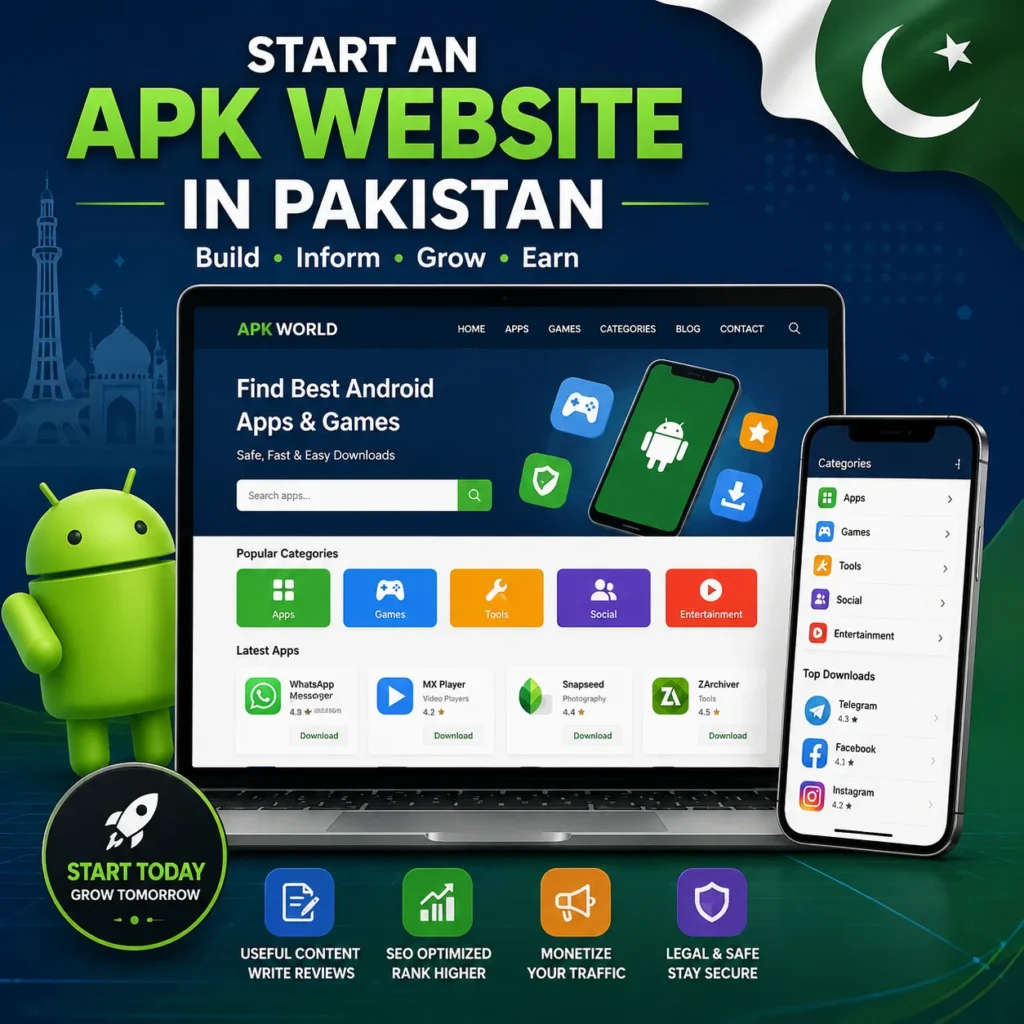
Starting an APK website in Pakistan can be an interesting blogging opportunity for people who understand Android apps, SEO, content creation, and website management. Many Android users search for information about apps, updates, features, compatibility, and installation guides. This creates an opportunity to build a useful website around Android applications.
However, starting an APK website is not simply about uploading APK files. A successful website needs a clear niche, reliable hosting, a professional WordPress setup, original content, proper SEO, and attention to copyright and security.
In this guide, you will learn how to start an APK website in Pakistan, what you need before starting, how to set up WordPress, how to create APK-related content, and how to grow your website through SEO.
You can also explore APK Nation for examples of APK-focused content and user-friendly app guides.
What Is an APK Website?
Before you start an APK website in Pakistan, it is important to understand what an APK website actually is. APK stands for Android Package Kit, which is the file format used to install applications on Android devices.
An APK website can provide useful information about Android applications, helping users understand an app before installing it. A well-planned website may include the following:
- App descriptions
- Features and latest updates
- Version information
- Installation instructions
- Android compatibility information
- Screenshots
- App alternatives
- Troubleshooting guides
- Links to official download sources
When you start an APK website in Pakistan, avoid building a website that only focuses on distributing application files. Instead, create a helpful information resource that answers common questions Android users have about apps.
For example, you can publish articles explaining how an app works, which Android versions support it, how to install the official version, what features it offers, and how to fix common installation problems.
This approach can make your APK website more useful to visitors while also giving you opportunities to create original, search-friendly content around Android apps and related topics.and what users should check before installation.
Is an APK Website Legal in Pakistan?
Before you start an APK website in Pakistan, it is important to understand copyright, licensing, and intellectual-property rules. Simply uploading APK files does not automatically make a website legal, because different applications have different distribution permissions.
Some apps may be freely available for distribution, while others are protected by copyright, trademarks, or specific developer licenses. Before publishing any APK file, always check whether you have permission to distribute it.
You should avoid uploading or distributing:
- Paid applications without permission
- Modified versions of copyrighted applications
- Cracked or pirated applications
- Pirated games
- Apps containing copyrighted material without authorization
- Files that violate the developer’s license or distribution terms
A safer approach when you start an APK website in Pakistan is to focus on original informational content, such as app reviews, features, version information, installation guides, compatibility details, and troubleshooting tips. When possible, direct visitors to legitimate or official download sources instead of hosting files without permission.
Always review the application’s license and the developer’s distribution terms before hosting an APK file yourself. If you are unsure whether a particular application can legally be distributed, consider getting permission from the copyright owner or consulting a qualified legal professional.
What Do You Need to Start an APK Website in Pakistan?
You do not need a large team or expensive equipment to start. A basic setup can include:
- A domain name
- Reliable web hosting
- WordPress
- A lightweight WordPress theme
- An SEO plugin
- Original content
- Basic image-editing tools
- Google Search Console
- Google Analytics
- A consistent publishing strategy
Your computer and internet connection are enough to manage most of the work.
The most important investment is not the website design. It is the quality and usefulness of your content.
Step 1: Choose an APK Website Niche
The APK industry is broad, so choosing a specific niche can make your website easier to manage.
You could focus on:
Android Apps
Create content about productivity, education, communication, entertainment, utilities, and other Android applications.
Android Games
You can cover game updates, features, gameplay information, installation guides, and system requirements.
App Guides and Tutorials
Instead of focusing only on downloads, publish helpful tutorials such as the following:
- How to update an Android application
- How to fix installation errors
- How to clear app cache
- How to transfer app data
- How to uninstall an application
- How to solve compatibility problems
App Reviews
You can review applications based on their features, usability, performance, compatibility, and privacy considerations.
A focused niche can help your website develop topical authority over time.
Step 2: Select a Good Domain Name
Your domain name should be short, memorable, and relevant to your niche.
If you are targeting Pakistani users, you can consider a .pk or .com.pk domain. However, a .com domain can also work if you want to target an international audience.
Try to avoid:
- Very long domain names
- Difficult spellings
- Excessive hyphens
- Trademarked brand names
- Names that are difficult to remember
Choose a name that allows your website to expand in the future.
For example, if you plan to cover Android apps as well as games, do not choose a domain name that limits you to only one game.
Step 3: Buy Reliable Web Hosting
Hosting stores your website files and makes your website available online.
For an APK website, hosting is particularly important because your website may eventually receive a large amount of traffic and may contain many images and downloadable files.
When choosing hosting, look for:
- Good server performance
- SSL support
- WordPress installation
- Regular backups
- Malware protection
- Sufficient storage
- Good customer support
- Easy-to-use control panel
Start with a suitable beginner plan instead of paying for expensive resources before you have traffic.
You can upgrade your hosting later when your website grows.
Step 4: Install WordPress
WordPress is a practical choice for an APK information website because it makes content management easier.
After connecting your domain and hosting:
- Open your hosting control panel.
- Find the WordPress installer.
- Select your domain.
- Create an administrator username.
- Use a strong password.
- Enter your website title.
- Complete the installation.
- Log in to WordPress.
After installation, visit:
yourdomain.com/wp-admin
From there, you can manage posts, pages, themes, plugins, menus, and other website settings.
Step 5: Choose a Lightweight Theme
Your APK website should be easy to navigate and fast on mobile devices.
Android users often browse websites from smartphones, so mobile performance should be a priority.
Choose a theme that provides:
- Responsive design
- Fast loading
- Clean typography
- Simple navigation
- Good category layouts
- SEO-friendly structure
- Customizable header and footer
Avoid installing themes with unnecessary animations and excessive features if they slow down your website.
Step 6: Create Important Website Pages
Before publishing many APK articles, create the basic pages visitors expect.
Recommended pages include:
- About Us
- Contact Us
- Privacy Policy
- Terms and Conditions
- Disclaimer
If your website provides downloadable files, your disclaimer should clearly explain the purpose of your website and the sources or permissions associated with the content.
These pages also help establish a more professional website structure.
Step 7: Create APK Categories
Organize your website properly from the beginning.
For example:
Apps
- Social Apps
- Education Apps
- Productivity Apps
- Utility Apps
- Entertainment Apps
Games
- Action Games
- Racing Games
- Sports Games
- Strategy Games
- Puzzle Games
You can create additional categories as your website grows.
A good category structure helps visitors find relevant content and makes it easier for search engines to understand your website.
Step 8: Create High-Quality APK Articles
The biggest mistake beginners make is creating very short pages containing only an app name and download button.
Instead, provide useful information.
A strong APK article can include the following:
App Introduction
Explain what the application does and who may find it useful.
Key Features
Describe the main features in simple language.
App Information
You can include information such as the following:
- App name
- Version
- Android requirement
- File size
- Category
- Developer
- Latest update
Only publish information that you can verify.
Installation Guide
Explain the legitimate installation process clearly.
Pros and Cons
A short advantages-and-disadvantages section can help users understand the application.
Frequently Asked Questions
Answer common questions about compatibility, installation, updates, and safety.
This type of content provides more value than simply publishing a download link.
Step 9: Use Rank Math for WordPress SEO
If you are using WordPress, Rank Math can help manage important SEO elements.
For each article, optimize:
- SEO title
- Meta description
- URL
- Focus keyword
- Headings
- Image alt text
- Internal links
- Schema markup where appropriate
For example, if your target keyword is
how to start APK website in Pakistan
You can naturally use it in the title, introduction, one relevant heading, URL, and throughout the article.
Do not repeatedly insert the keyword just to increase keyword density. Search engines increasingly focus on helpful, relevant content rather than unnatural repetition.
Step 10: Build Internal Links
Internal linking is important for a growing APK website.
Suppose you have articles about:
- How to start an APK website
- Best Android apps
- Android app installation guide
- How to fix APK installation errors
You can connect these articles where relevant.
For example, while discussing installation, you can link to your detailed guide about fixing APK installation problems.
Internal links help visitors discover more content and help search engines understand the relationship between your pages.
Step 11: Optimize Your Images
Images can make APK articles easier to understand, but large images can slow down WordPress websites.
Before uploading screenshots:
- Resize unnecessary large images
- Compress images
- Use modern formats such as WebP
- Add descriptive alt text
- Use meaningful filenames
For example, instead of:
IMG12345.png
Use something descriptive, such as:
android-app-installation-guide.webp
Your featured images should also have a consistent design so your website looks professional.
Step 12: Submit Your Website to Google
After launching your website, connect it to Google Search Console.
Search Console can help you monitor:
- Search impressions
- Clicks
- Search queries
- Indexed pages
- Sitemap status
- Mobile issues
- Search performance
Create and submit your WordPress XML sitemap.
Do not expect immediate rankings. A new website usually needs time to establish authority and demonstrate consistent quality.
Step 13: Publish Content Consistently
Consistency is more important than publishing dozens of low-quality pages.
For example, you could start with three to five useful articles per week.
Create a content plan around different search intents:
Informational keywords
“What is an APK file?”
Tutorial keywords
“How to install APK on Android”
Problem-solving keywords
“APK installation failed error”
Comparison keywords
“Best alternatives to [app]”
Update keywords
“[App] latest version features”
This approach gives your website multiple opportunities to attract search traffic.
How to Make Money From an APK Website
Once your website receives consistent traffic, you can explore legitimate monetization methods.
Potential options include:
Display Advertising
Advertising can generate revenue based on impressions and clicks, depending on your traffic and audience.
Affiliate Marketing
You can promote relevant products or services through legitimate affiliate programs where appropriate.
Sponsored Content
Companies may pay for promotional content once your website develops an audience.
Direct Advertising
Established websites can sometimes sell advertising placements directly to relevant businesses.
However, monetization should not come before content quality. A website filled with aggressive advertisements can create a poor user experience.
Common Mistakes to Avoid
New APK website owners often make several mistakes.
Copying Other Websites
Copied content does not give your website a strong long-term advantage. Write original descriptions and add information that genuinely helps users.
Uploading Pirated Files
Do not assume that every APK available online is free to redistribute.
Using Clickbait
A misleading title may generate a click, but it can damage user trust.
Ignoring Mobile Users
A large percentage of APK-related searches come from mobile devices. Your website must work properly on smartphones.
Installing Too Many Plugins
Every plugin adds potential maintenance and performance considerations. Install only plugins that provide a genuine purpose.
Ignoring Website Security
Keep WordPress, themes, and plugins updated. Use strong administrator credentials and maintain regular backups.
Final Thoughts
Learning how to start an APK website in Pakistan is relatively straightforward, but building a successful website requires more than installing WordPress and uploading APK files.
Start with a clear niche, choose a memorable domain, use reliable hosting, create a fast WordPress website, and publish original content that solves real problems for Android users.
Most importantly, respect copyright, licensing, privacy, and security requirements. Instead of building a website that only provides files, focus on becoming a useful resource for Android users.
With consistent publishing, proper SEO, internal linking, mobile optimization, and patience, your APK website can gradually build search visibility and a loyal audience in Pakistan and potentially beyond.
Frequently Asked Questions
Is an APK Website Profitable in Pakistan?
An APK website can potentially generate revenue through advertising, affiliate marketing, sponsored content, and other legitimate methods. If you start an APK website in Pakistan, your earning potential will depend on factors such as website traffic, content quality, competition, niche selection, and your monetization strategy.
Can I Start an APK Website With WordPress?
Yes. WordPress is a suitable platform if you want to start an APK website in Pakistan because it makes content publishing, category management, SEO optimization, and website administration easier. You can start with a basic WordPress setup and improve the website as it grows.
What Is the Best Strategy for a New APK Website?
The best strategy is to choose a focused niche, publish useful and original content consistently, optimize your website for search engines, create strong internal links, and follow search-engine guidelines. When you start an APK website in Pakistan, avoid copied content, misleading information, keyword stuffing, and unauthorized distribution of copyrighted applications.